Everyone sees the table
Every player's card stays on screen at once — whether it's two of you or a full six-player pod. Seats face outward so nobody has to read upside down.


Player app · Mythic ecosystem
Free on Google Play & the App Store
The life counter your whole table shares.
One phone or tablet in the middle of the table, and everyone's life total is right there — no dice to bump, no notepad to lose. Built for 2–6 players, from quick duels to full Commander pods.
And when game night is bigger than your kitchen table, Mythic Life Counter can find local events for you. Browse what's happening nearby, save your seat, and stay connected to the event while you play.
The app teaches you how to use its tools — it isn't a rulebook for Magic: The Gathering.
More than a life counter
Mythic Life Counter works with Mythic Gathering, our community site where local hosts post their game nights. That means the same app you use at the kitchen table can show you what's being played nearby — and save you a seat.
None of this is required for casual play. No account, no sign-up — just open the app and start a game. The event features are there when you want them.
Find
games near you
Local game nights, leagues, and store events — browsable right from the app.
Join
in a couple taps
Save your seat from the app, or register on mythicgathering.com and just show up.
Play
and stay in the loop
Table assignments, round timers, and results — all at your seat when the event is connected.
Open Find Events in the app to browse game nights near you — or look around on mythicgathering.com first if you prefer the big screen.
Register right from the app when sign-ups are open, or just show up and check in with the folks running the night.
Track life like always. If the host runs a tournament, your table assignment and the round clock show up in the app, and you can report your result when the game ends.
The free download covers everything a game night actually needs. The full app is a single one-time purchase for groups that want timers, counters, and a table that looks like theirs.
Included free
Unlock Full App (one-time purchase)
The full app is a one-time purchase — no subscription. Payments and refunds are handled by Google Play or the App Store, and Restore Purchase brings your unlock to a new device.
A quick walk through a real game — from the home screen, through setup and customization, to the table, a knockout, and the victory screen. Scroll or use the arrows to browse.
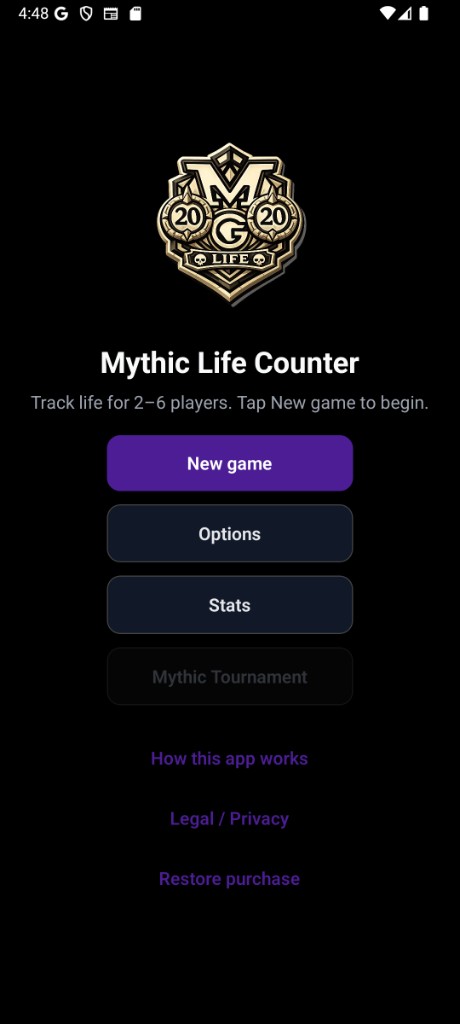
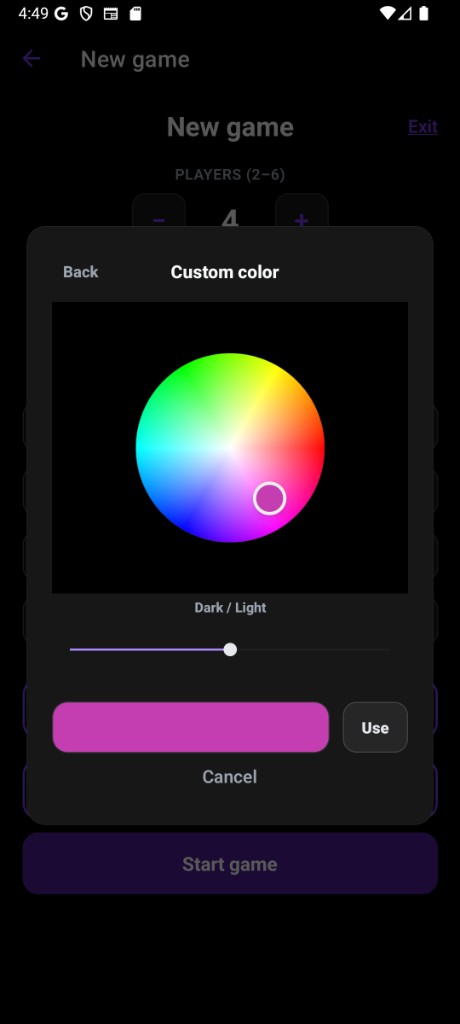
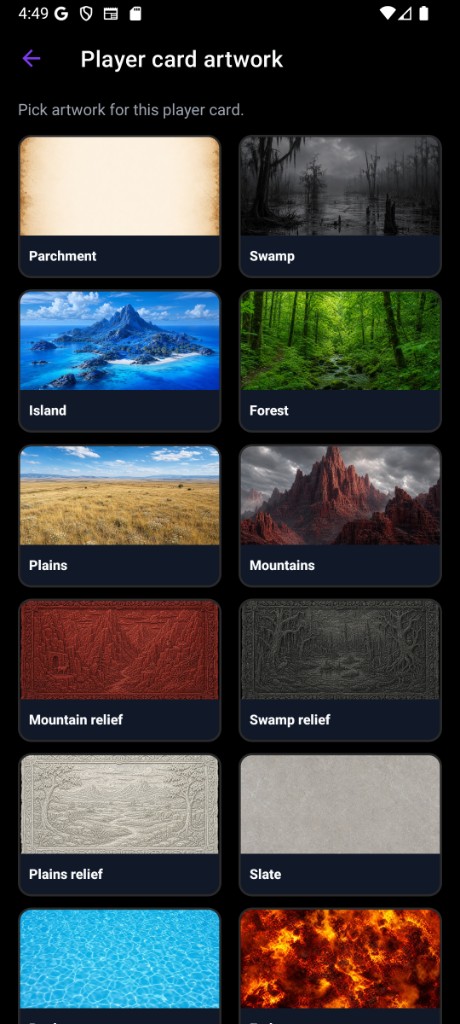
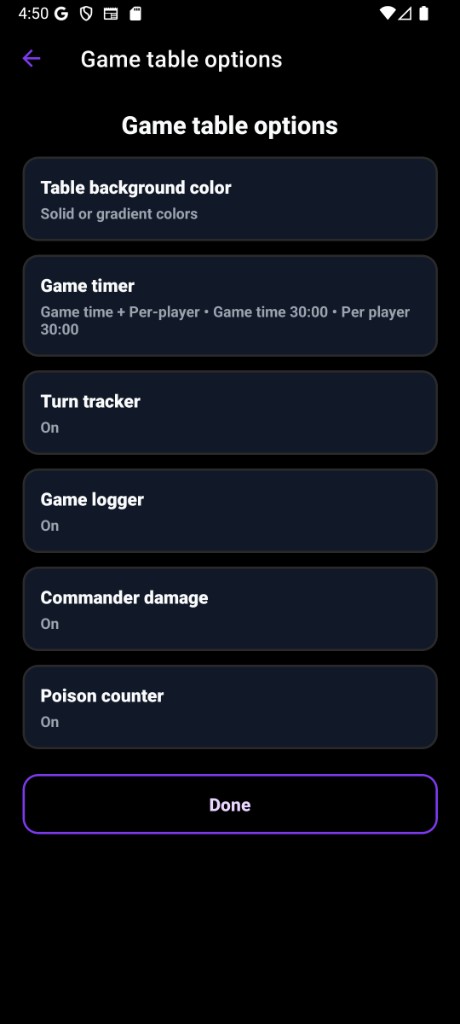
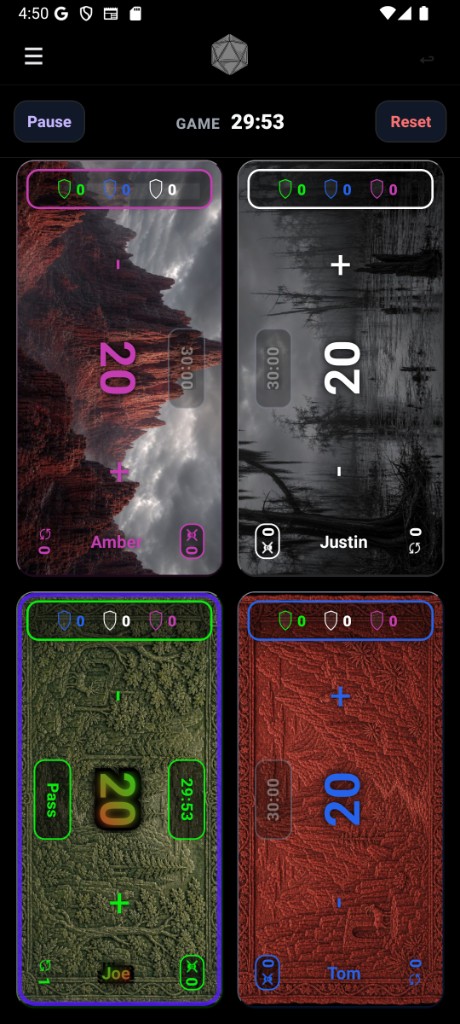
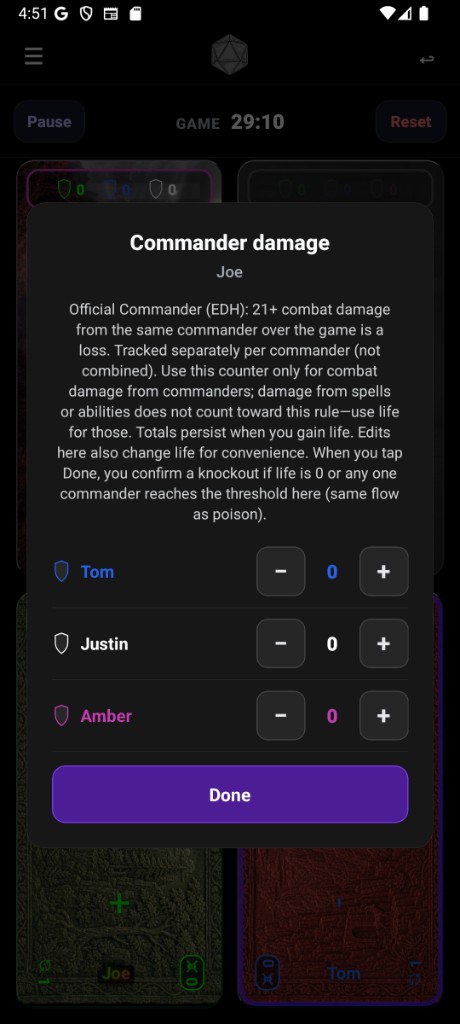
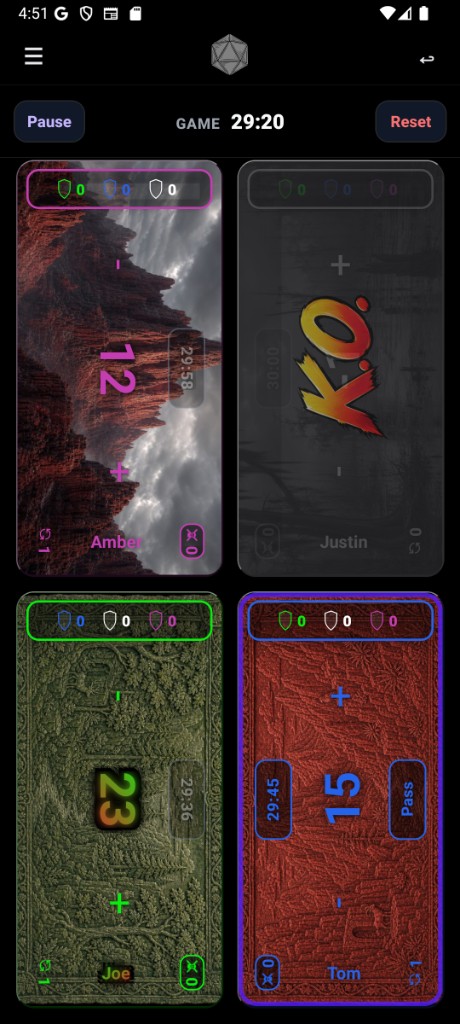
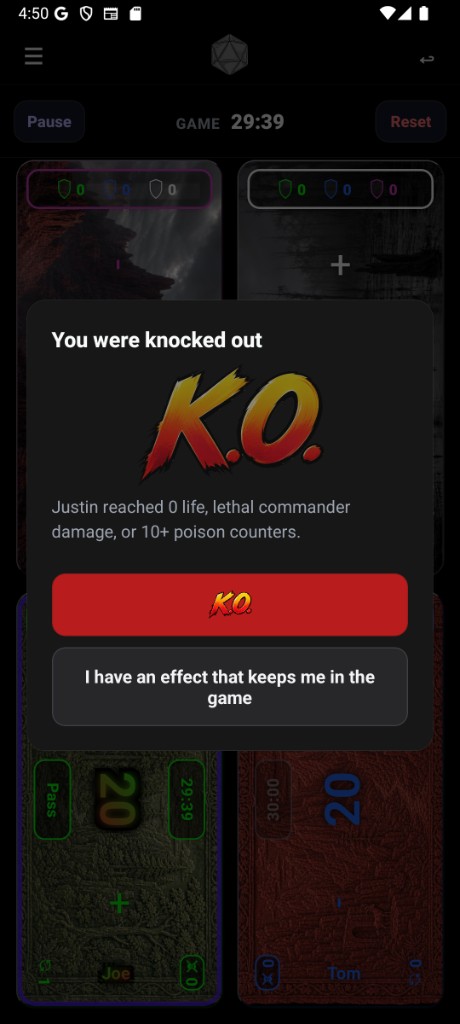
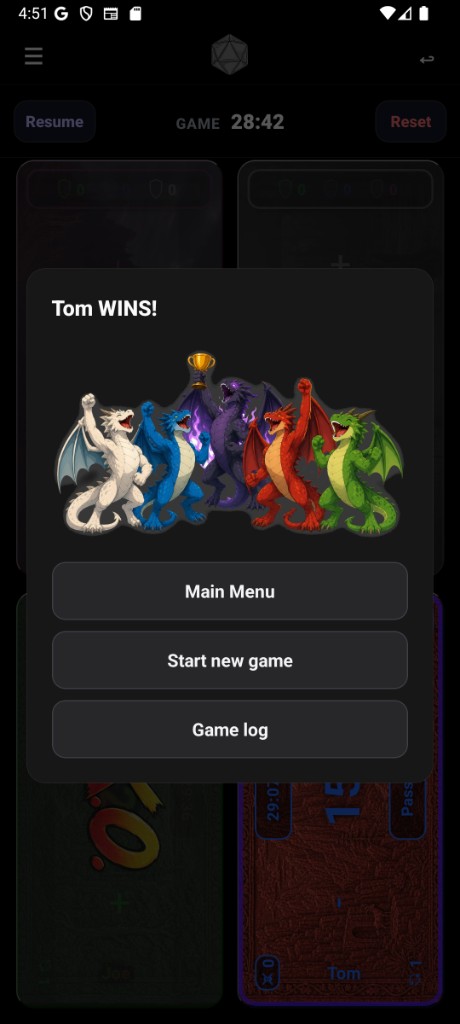
Mythic Life Counter is a shared life counter your whole table uses together. One phone or tablet in the middle, everyone gets a card, and the game gets going. It handles Magic-style play with optional extras like commander damage, poison, and timers — though it won't teach you the rules of the game itself.
The first time you open the app you'll be asked to accept the privacy policy, then a short tour walks you through the basics. You can replay the tour anytime from Options.
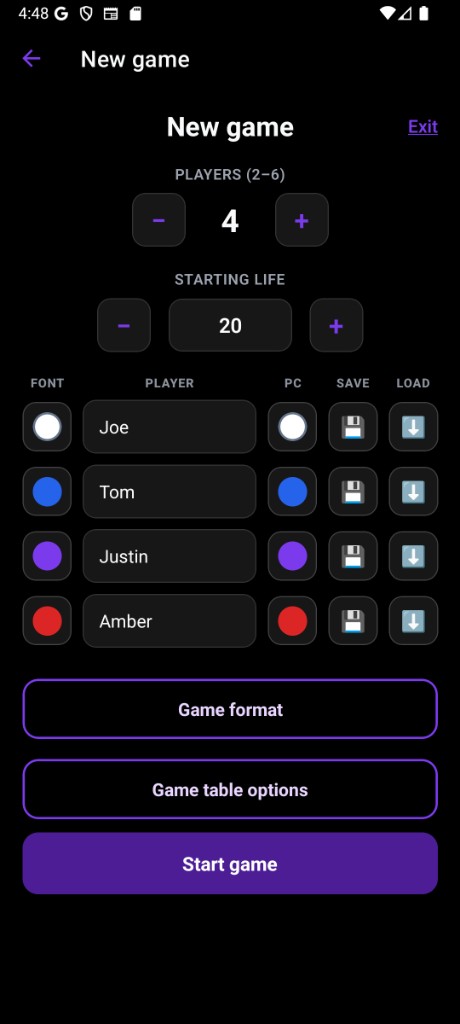
From the home screen, tap New Game. Pick how many players (2–6), set the starting life, add names if you like, and tap Start Game. If a game is already running, the app checks before replacing it.
Looking for organized play instead? Tap Find Events to see what's happening near you and grab a seat.
Every player gets a card on screen. Tap one side to lose life, the other side to gain it — press and hold to move faster. The bar at the top has the menu, a d20 shortcut for dice and coin flips (full app), and undo for when fingers slip. During a connected event, the app can also show your table and the round clock between games.
Here's the short version of the in-app guide. The quickest way to learn is honestly just to play a game — or replay the tour from Options.
Open the app, accept the privacy policy, take the quick tour if you like, then tap New Game. Pick players, life totals, and names, and start. When the game wraps up, End Game takes you back to setup — or Reset Game keeps the same players and look for an instant rematch.
All the player cards stay visible on one screen, and seats rotate to face each player — nobody reads upside down. Commander damage and poison have their own controls when you want them. When someone hits a losing condition, the app asks before knocking them out, in case an effect keeps them in the game.
Premium items simply open the unlock screen if you haven't purchased yet — nothing is hidden. Under Options you can also permanently delete any saved profiles, stats, or logs whenever you want.
Find Events connects the app to Mythic Gathering, where hosts post their game nights. You can join an event from the app, check in when you arrive, see your table when pairings go up, and report your result from your seat. The folks running the event always have the final say on results.
Every player's card stays on screen at once — whether it's two of you or a full six-player pod. Seats face outward so nobody has to read upside down.
Commander damage per opponent, poison, and knockout prompts that know the difference between "you're out" and "that effect keeps you in."
Browse local events right in the app, save your seat, and show up ready. Casual play needs no account at all.
Playing in an organized event? Check in at the door, see your table when pairings go up, and report your result without hunting down a judge.
Mythic Life Counter follows the same privacy policy and terms as everything else we make — covering what's stored on your device, the optional event features, and the app stores themselves. Privacy Policy and Terms of Service.
Found a bug or have a question? Use our contact page and we'll take a look. For purchase or refund help, go through Google Play or the App Store where you bought the app — they handle all billing — but we're happy to help with product questions if you tell us your platform.
Magic: The Gathering is a trademark of Wizards of the Coast. Mythic Gaming LLC is not affiliated with, endorsed by, or sponsored by Wizards of the Coast.
Download Mythic Life Counter for free, set it in the middle of the table, and play. Everything else can wait until you need it.