Host app · Available on Google Play
Mythic Tournament
Available on Google Play
Publish and unlock host tools on Mythic Gathering with Founder Access (Kickstarter coming soon), then bring Mythic Tournament to the venue floor from Google Play.
- Available on Google Play
- Pairs with Founder Access hosting
- Check-in · pairings · standings
Screenshots
Phone captures from the Google Play listing, in flow order: sign in → events → run hub → pairings → judge calls → break timer. Scroll the gallery or use the controls to browse each step.
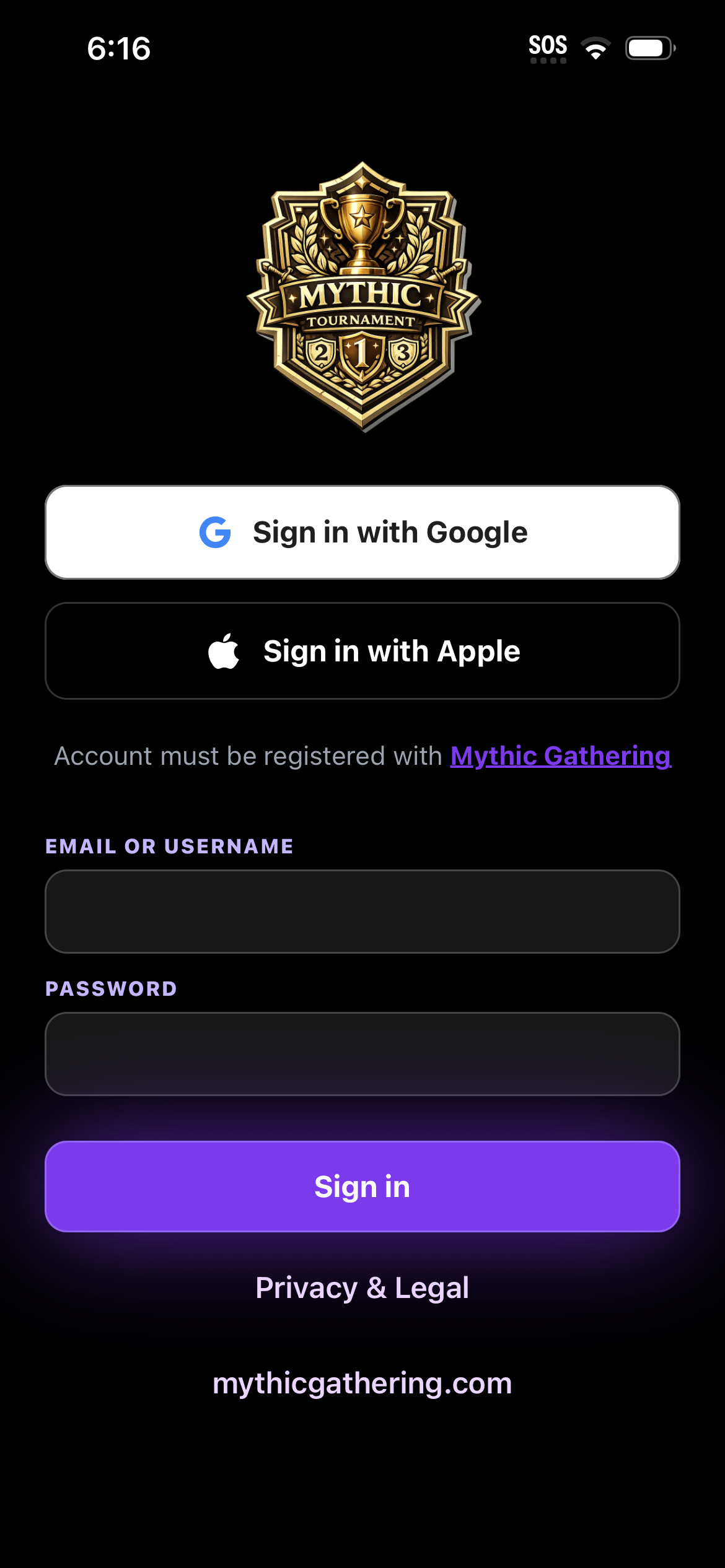
1Sign in 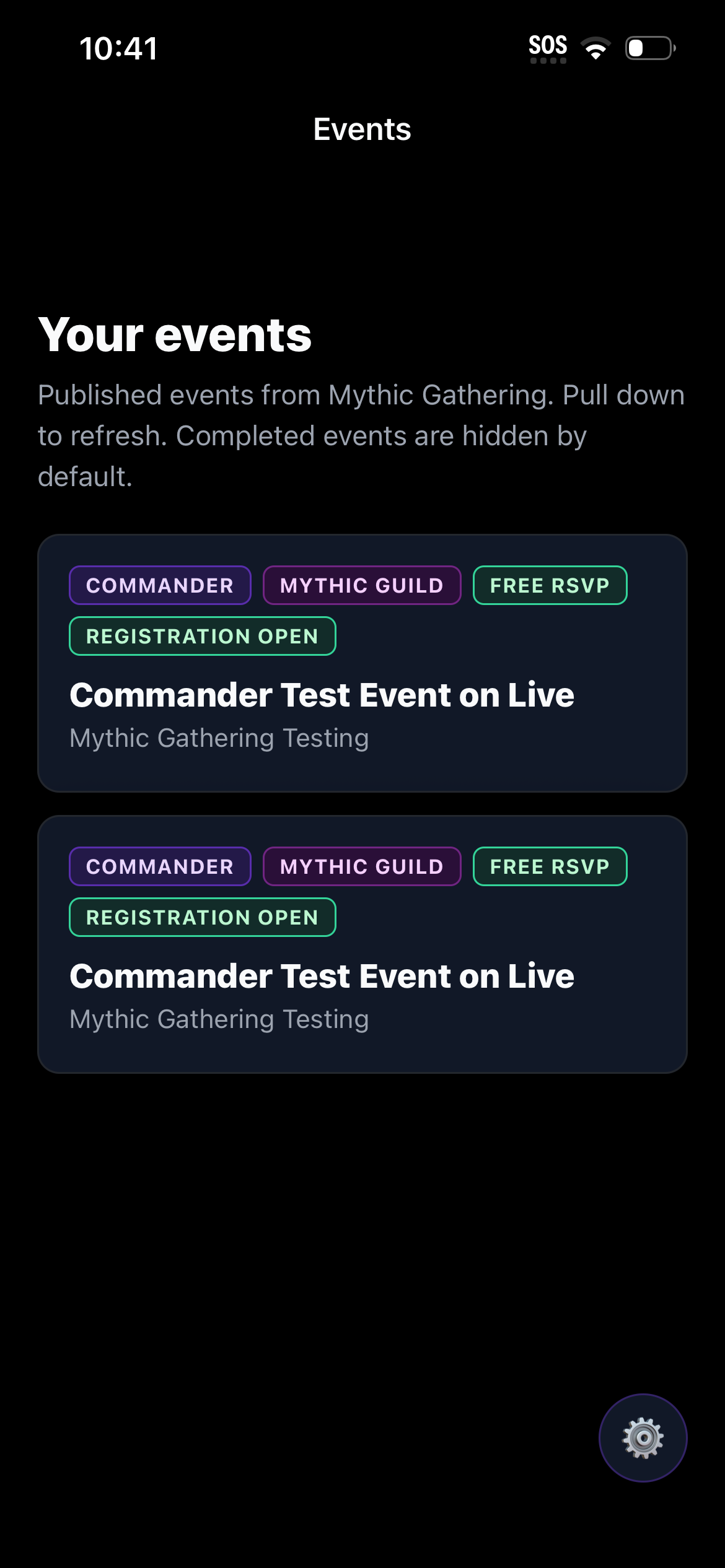
2Your events 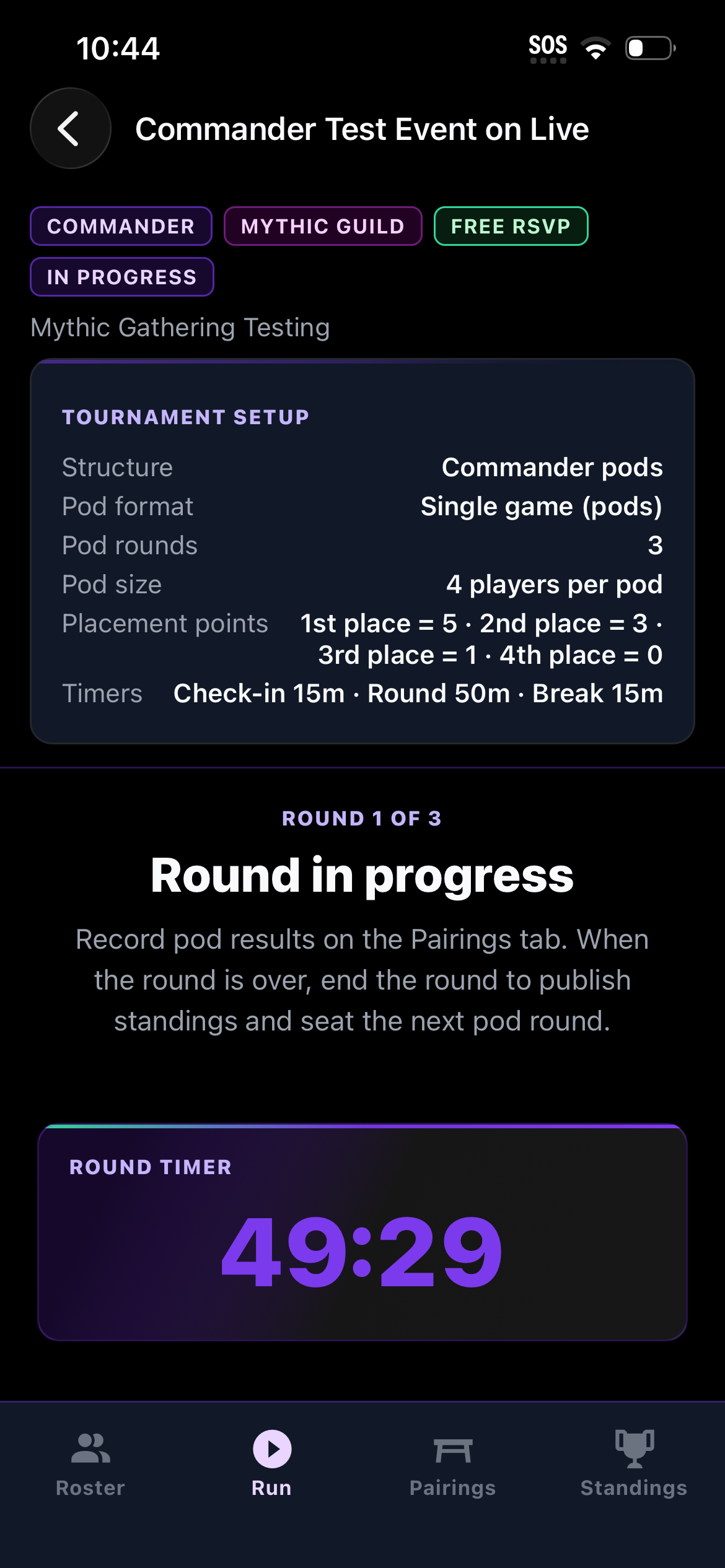
3Run hub 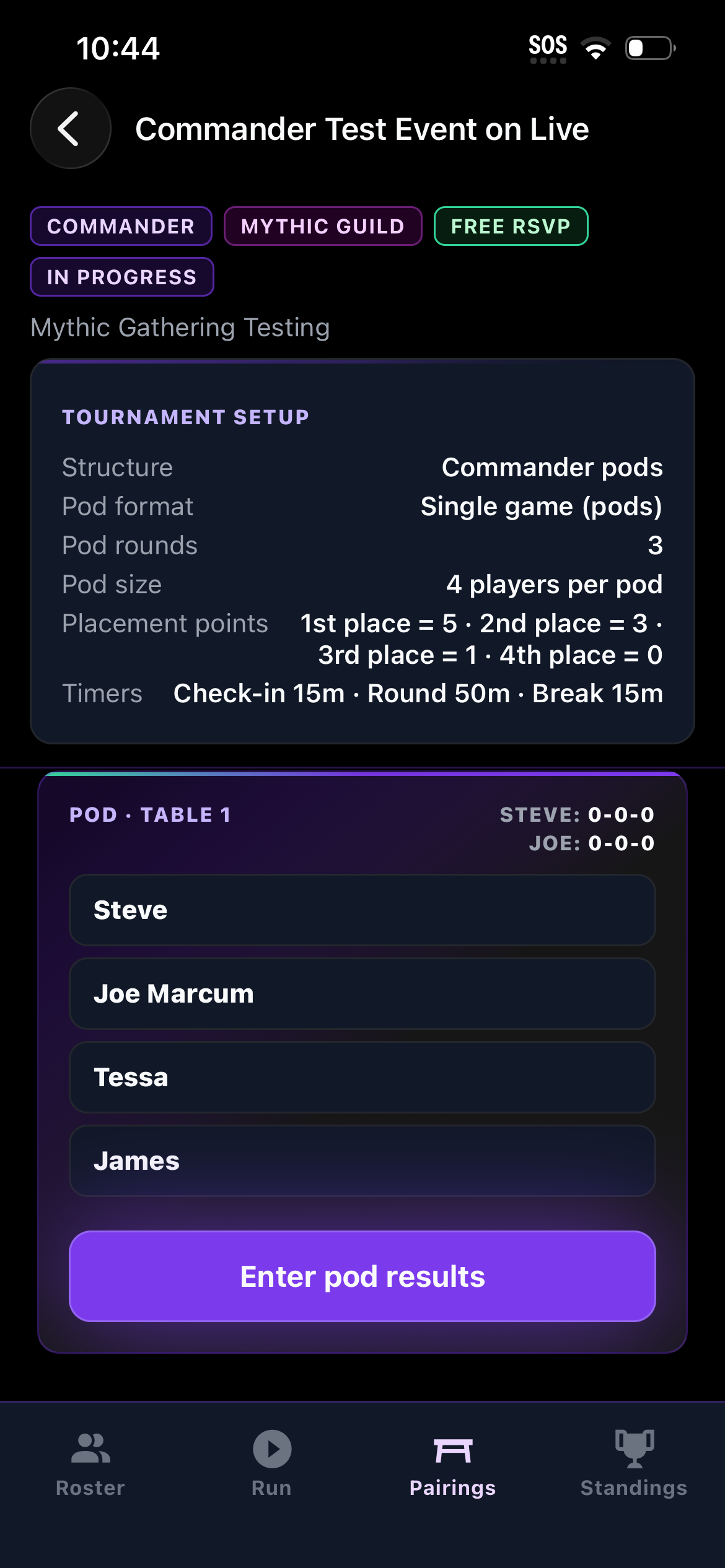
4Pod pairings 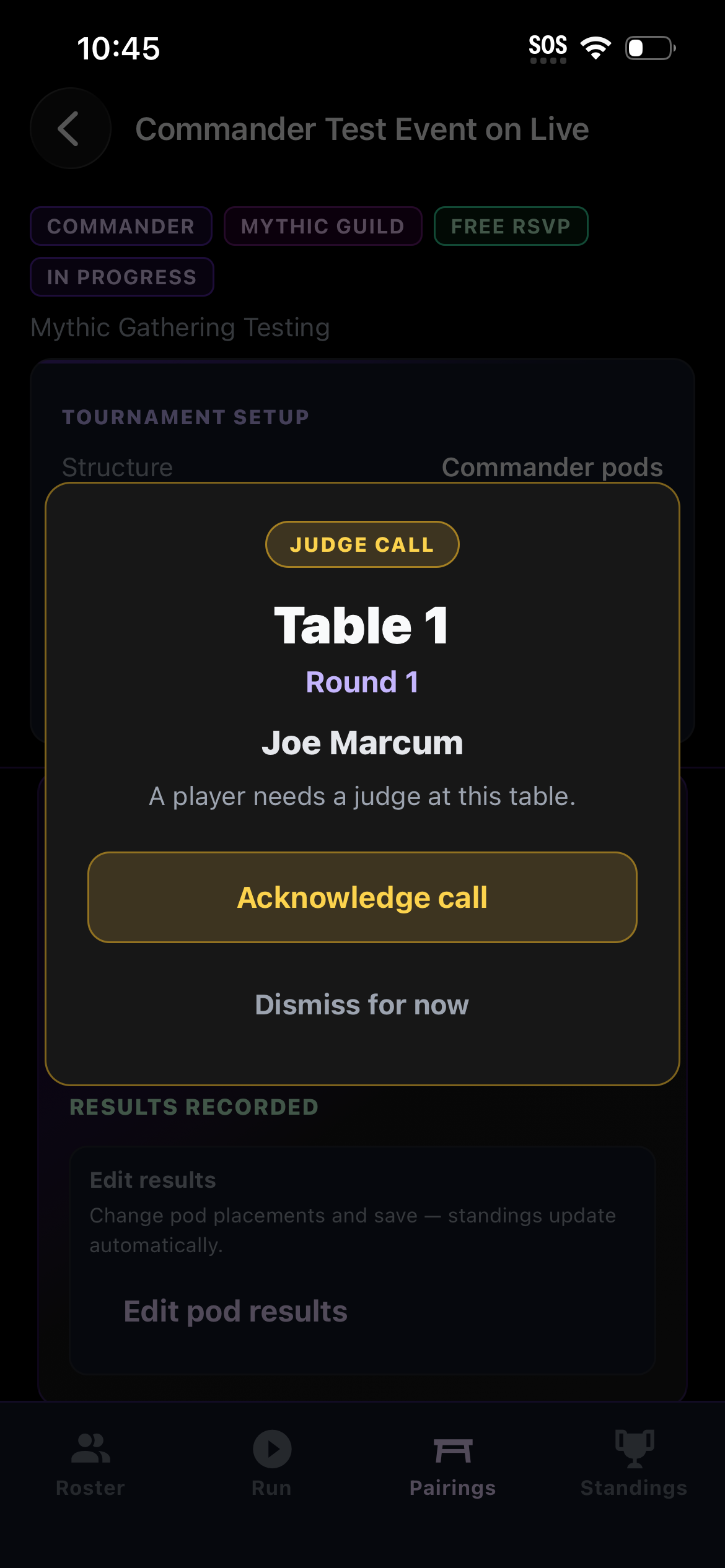
5Judge call 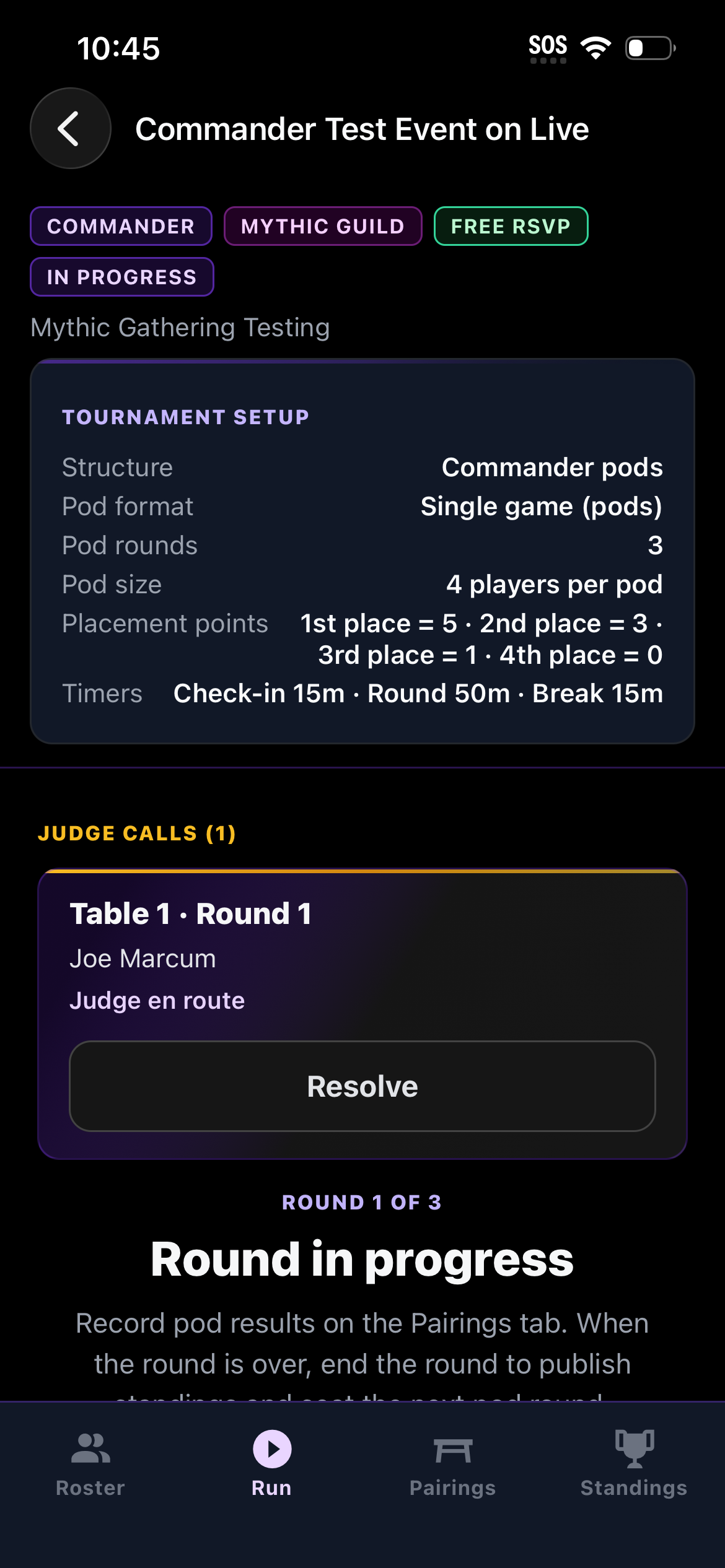
6Judge en route 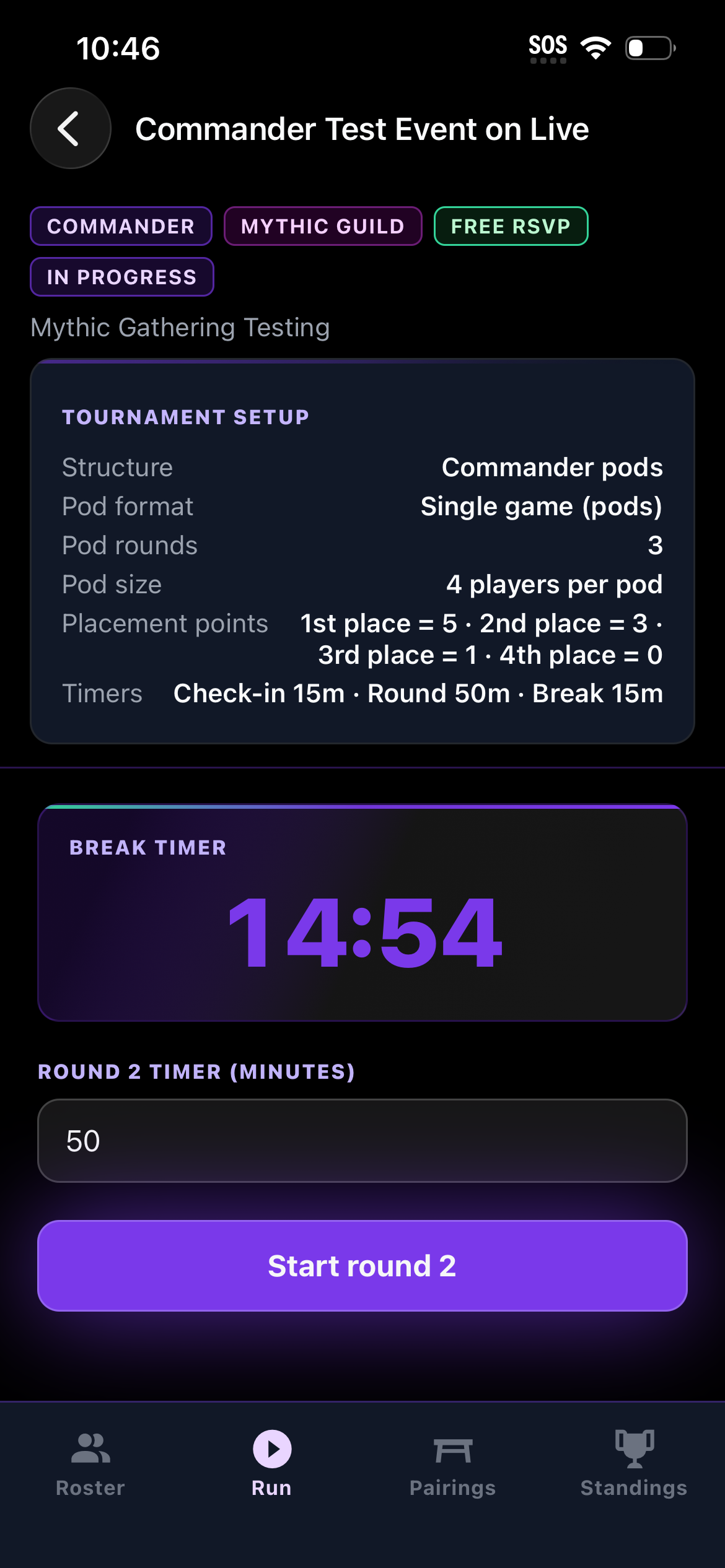
7Break timer
How hosts use it
- 1
Publish
Create and publish the Event on Mythic Gathering so players can discover and register.
- 2
Check in
Use Mythic Tournament at the venue to check present players onto the roster.
- 3
Run rounds
Pairings, results, and standings stay live — and sync back to Mythic Gathering.
Built for the event floor
Operations that stay in sync
Discovery and registration stay on Mythic Gathering; operations stay in your hands at the venue.
- 01
Roster from Gathering
Players register on Mythic Gathering before they arrive. Mythic Tournament opens with a roster ready for venue check-in.
- Only present players enter pairings
- Check-in that matches the published event
- 02
Run the rounds
Swiss rounds stay under staff control — confirm start, end each round, and publish the next pairings.
- Enter results in Pairings, from Mythic Life Counter, or Gathering’s counter desk
- Live standings that mirror back to Mythic Gathering
- 03
Close the event
Complete the tournament when Swiss or bracket play finishes — final results stay on the event for players following online.
- One source of truth for the floor
- History that feeds leagues and regulars
Ready to run smoother events?
Download Mythic Tournament on Google Play — then publish on Mythic Gathering and run the floor.